
Wristmote
Tap your Watch. Or twist your wrist.
Wristmote turns your Apple Watch into a remote for Sky Q boxes, and your gestures into buttons: twist your wrist to change channel, flick it like a magic wand to switch the box on or off.
The Apple Watch app also has on-screen remote buttons: tap them directly on your wrist when you prefer. You can use Wristmote without gestures.
Available on the App Store for iPhone and Apple Watch. €0.99 once in Italy (local prices elsewhere), no subscription, no ads.
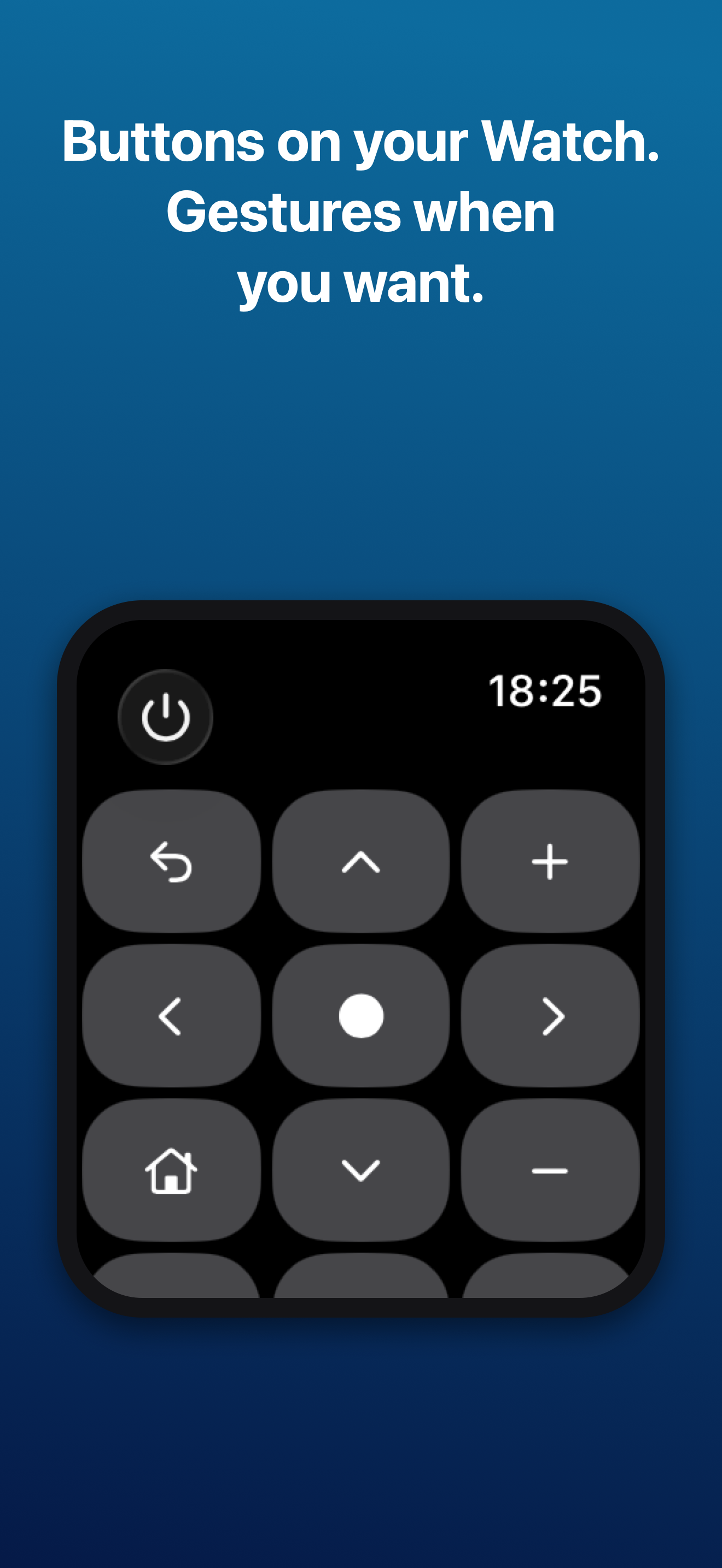
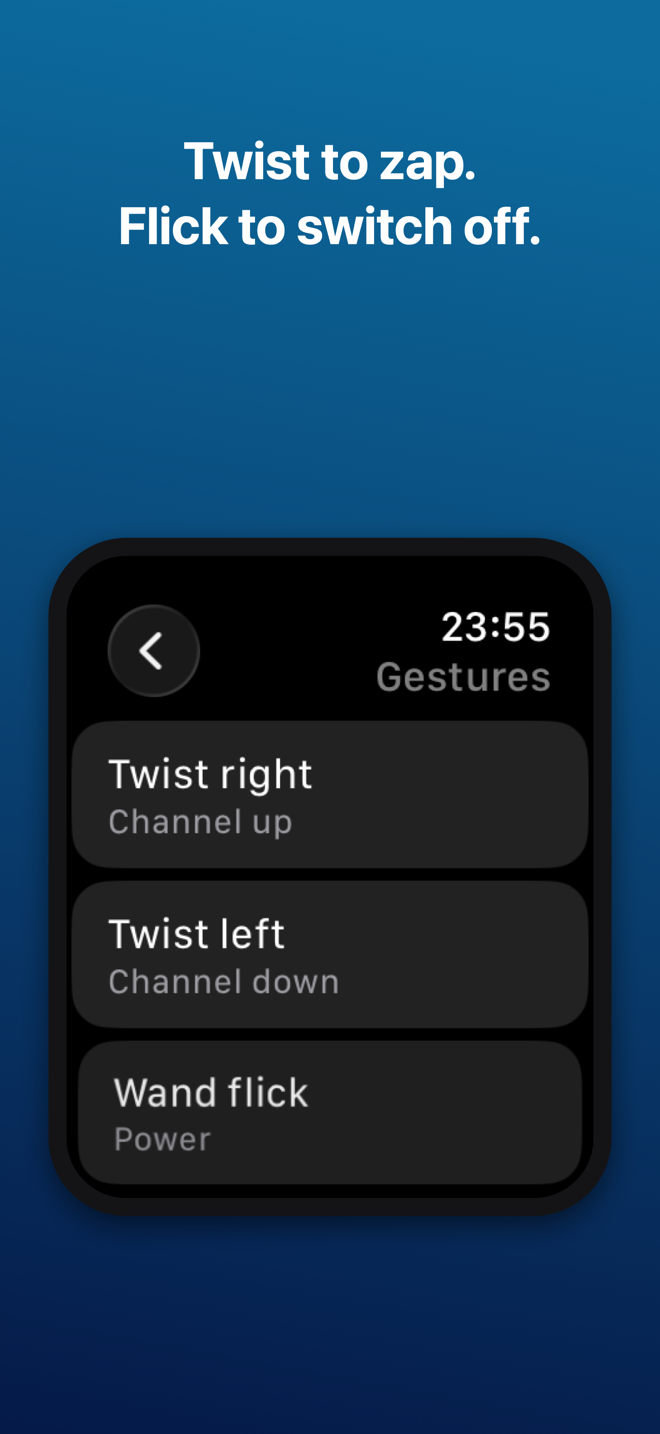
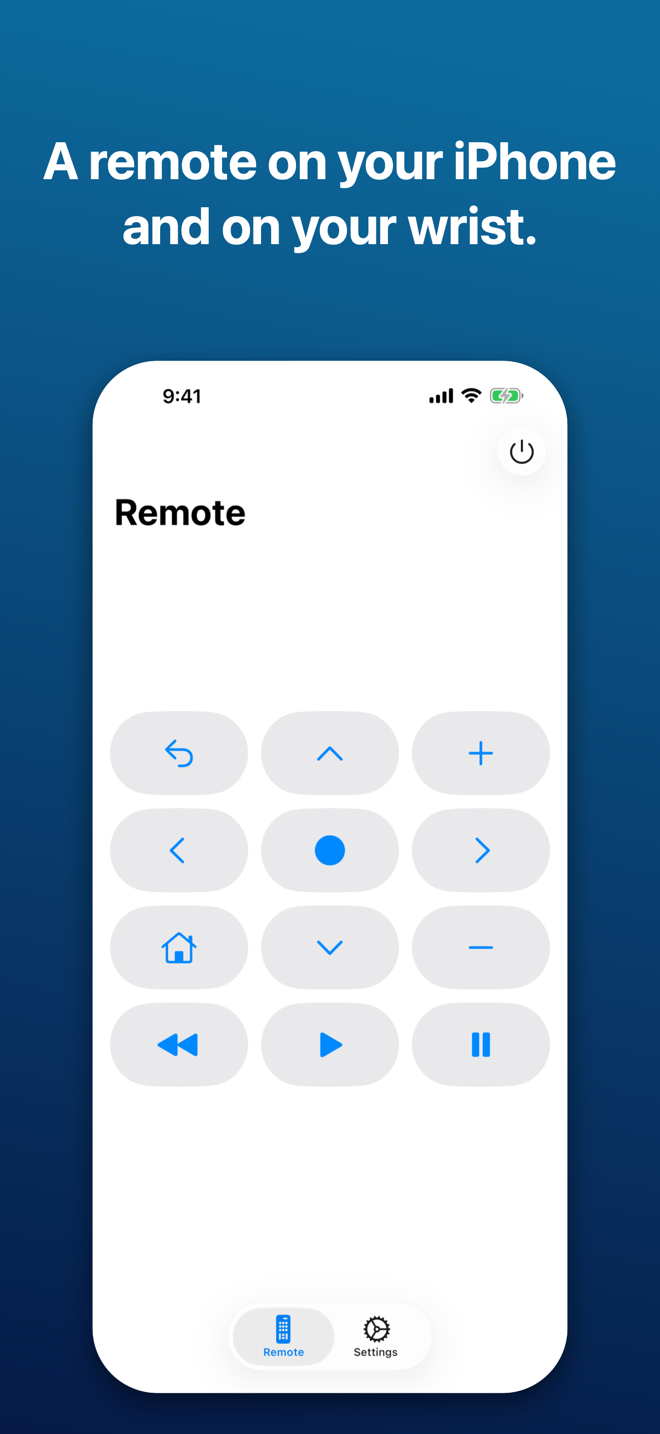
Gestures
- Twist your wrist right or left to change channel.
- Flick it like a magic wand to switch the box on or off.
- Raise or lower your arm to move through menus.
Gestures count only while Wristmote is open on your wrist. You choose what each one does, and a short calibration adapts them to the way you move.
No setup, no account
Wristmote finds the box on your Wi‑Fi by itself. Commands go straight from your iPhone to the box over your home network: no account, server, ads or tracking.
Your TV too
Use Wristmote with a Sky Q box, a compatible Samsung or LG smart TV, or both. With both, volume and mute go to the TV and channel commands to the box. A TV in standby cannot be switched on directly over the network.
What you need
A Sky Q box (Sky Q Mini works too) or compatible Samsung/LG TV on the same Wi‑Fi as your iPhone; iPhone with iOS 18 or later; Apple Watch with watchOS 11 or later for gestures. The Watch sends commands through the iPhone, which must be nearby. Sky Q boxes don’t accept volume commands over the network; with a Samsung or LG TV added in Settings, volume goes to the TV.
English and Italian.